All About Enrollment
MCH
My
Club
Hub
MyClubHub is your online portal for managing your child’s BGCCO membership. It offers a range of tools to streamline your experience including:
Applying for Membership
Signing up for programming
Making Payments

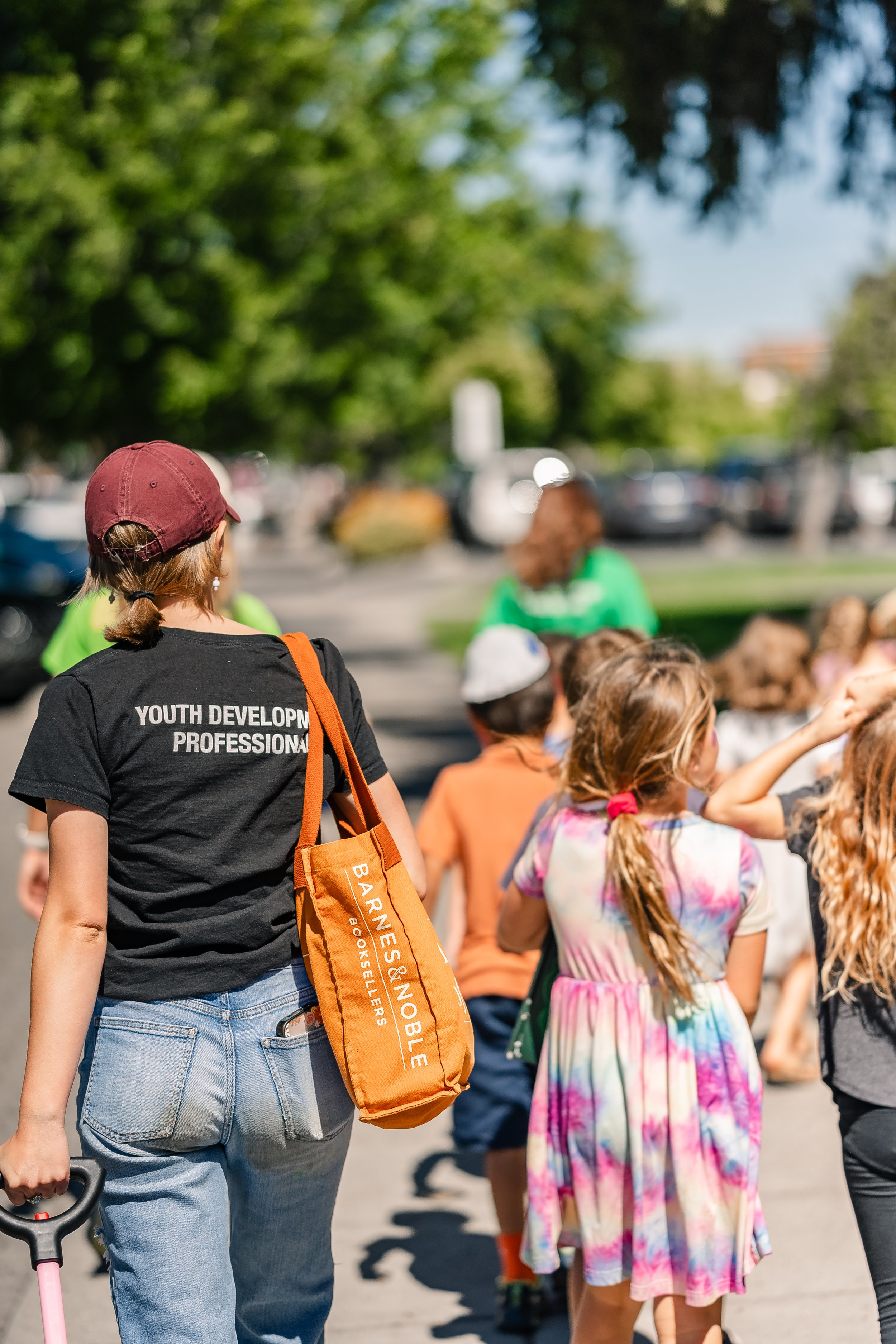
Enrolling at BGCB is a straightforward process designed to welcome both current and prospective families.
-
After School Membership:
Must be kinder-8th grade
Must attend a Bend La-La Pine school or provide independent transportation.
Summer Membership
Must be rising 1st-8th grade
Open to all families able to provide transportation to and from the Club each day.
-
Any family that has ever attended our Clubs already has an account.
Please try signing in to your existing account before creating a new one to avoid duplicate profiles.
If you do not have a MCH account create one here
-
Club membership gives families access to year-round programming opportunities. Once a youth becomes a member, families may register for available after-school, summer, non-school day, Saturday, and teen programming options through MyClubHub.
The Annual Membership is required for all youth who participate in our programs and is $25 a year.
Financial Assistance applications are included within the Annual Membership process and must be completed each year. Our team will notify you when your financial assistance application has been reviewed and is ready. Please wait for this financial assistance approval notice before proceeding to Program Enrollment.
-
After purchasing your Annual Membership, visit the Programs tab in MCH to view all available programs for the year.
Financial Assistance will automatically be applied at check out through the end of the annual membership year ( August 31, 2027).
The Programs tab acts as a catalog—sign up for one program or as many as your Club Member plans to attend.
MCH How To
MCH How To
-
1. Login to your MyClubHub Family Portal
2. Select the “Memberships” tab towards the top of your screen
3. Select membership location you are interested in attending
4. Select “Next“
5. Fill out the required information
6. Provide a signature on each of the required forms and waivers
7. Select “Submit“
-
1. Log into the MyClubHub Family portal
2. Select “Programs” at the top of the screen
3. Use the categories section on the left column to find the program you are interested in
4. Click the blue “options” button so see all of the available programs
5. Select the blue “enroll” button to submit an application
6. Select the Club Member that you would like to attend the program
7. Click “save” to submit your application -
1. Log in to the MyClubHub Family Portal.
2. Select “Billing” at the top of the screen
3. Use the blue pencil icon to edit the amount you would like to pay towards each invoice
4. Select the green “Pay” button
5. Select your payment method and enter your payment details*
6. Select “Pay” and “Process Transaction“
*Please note that payment with cards will incur a 2% processing fee. To avoid the processing fee, please select ACH as your payment method or bring a check to our downtown club. -
1. Go to the MyClubHub Family Portal log in page
2. Under the “Already Have an Account?” section, select “Forgot Password?“
3. Enter the email used for your account in the Username section.
4. Click “Continue“
5. Go to your email inbox
6. Go to the email “Your New BGC Bend Parent Portal Password“
7. In this email, click the link
8. Click “Reset Password“
9. Enter your new password
10. Click “Change Password“